 RestocksAIO Docs
Review content and price changes
Review content and price changes, then inspect their results in Sync Activity.
Availability: Available from version 0.4.41.55. Update the app if you do not see these controls.
Check each proposed content or price change before you apply it. Check the destination account and listing as well as the proposed values.
Apply and inspect results
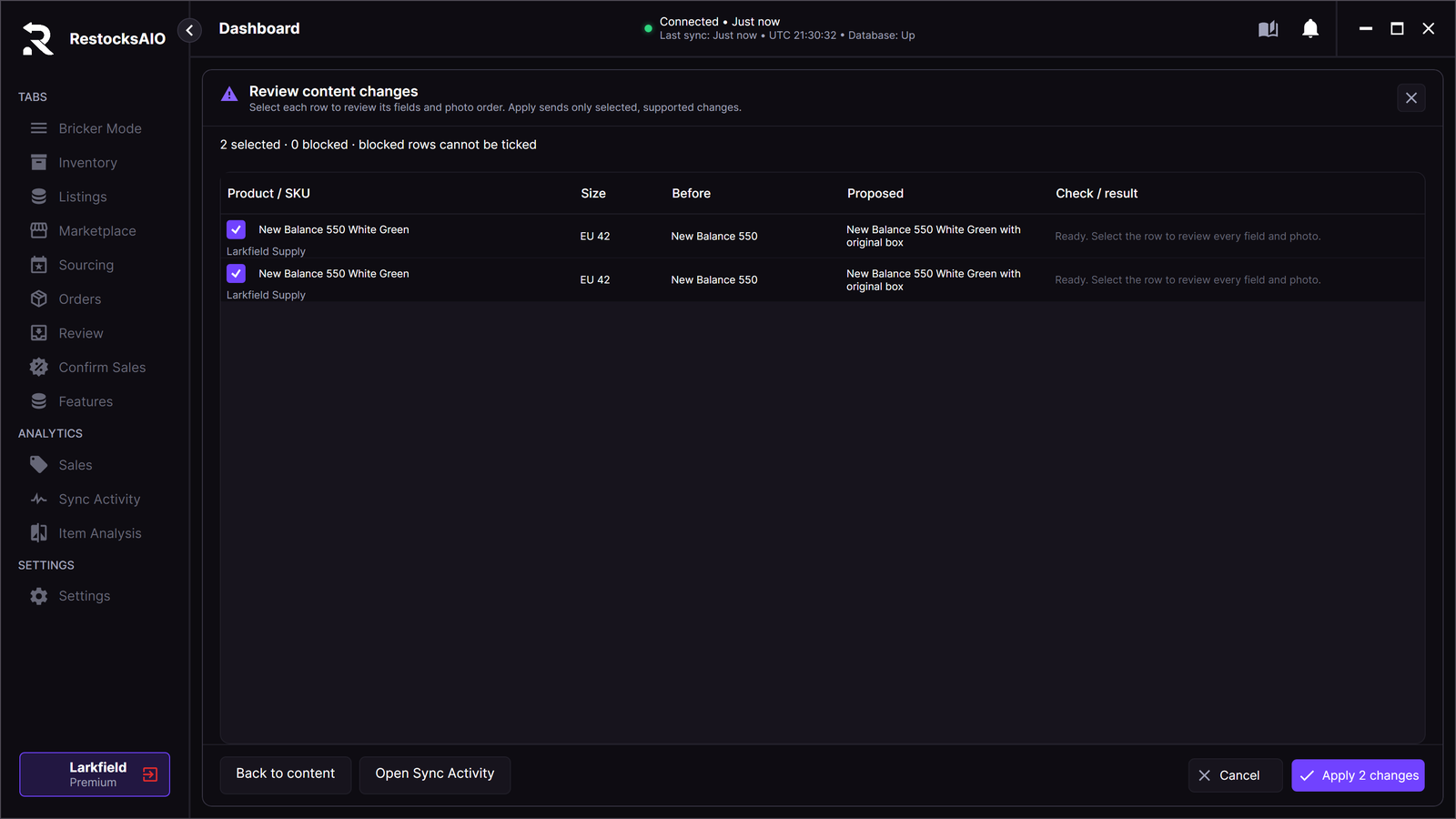
- Open the review for the proposed changes.
- Check each row before you apply it.
- Apply the selected changes.
- Read the result for each attempted row.
- Open Sync Activity to inspect the operation.
The app records attempted content rows. A row that the app never attempted is not a successful write. A failed row does not prove that every other row failed. If you leave an active apply, the app asks before it closes the review.
Retry a result
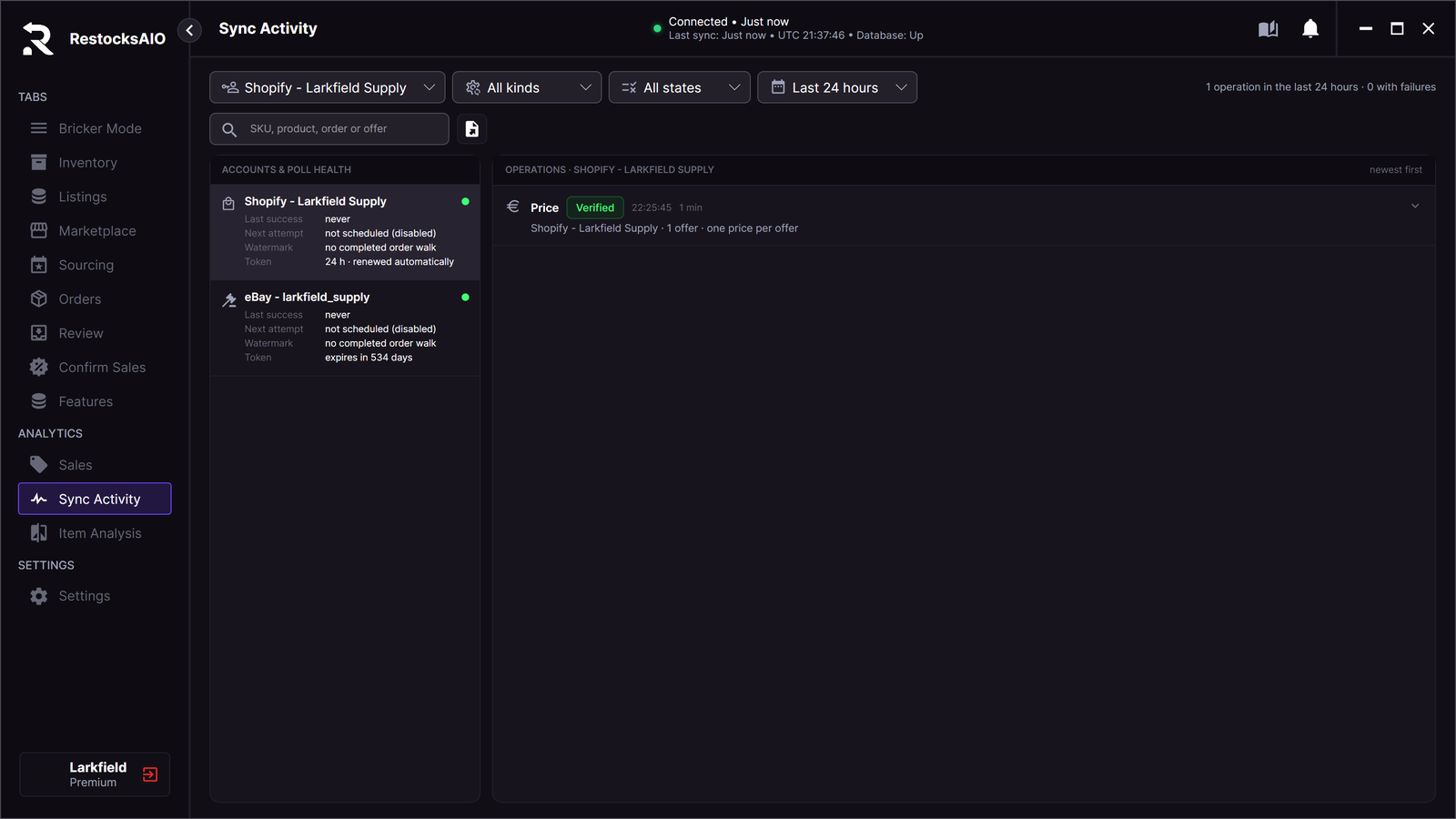
Open the operation from Sync Activity to return to a retained review. Use its Retry action for the relevant result. The app retains up to five review sessions in memory. These sessions do not constitute permanent history.
Retries read the current marketplace state before another write. A price retry checks the current offer, account, and applicable payout floor. If the offer or its safeguards changed, review the current values before another attempt. A retry reuses its operation rather than creating duplicate content history.