 RestocksAIO Docs
Install on macOS
Install and run the native RestocksAIO app on a Mac (Apple Silicon and Intel).
RestocksAIO runs natively on macOS. The Mac app works with the same licence, accounts and features as the Windows app. You don't need Windows, a virtual machine or a .NET download.
The macOS app is generally available. You download it from your Dashboard. It is part of every plan. Use RestocksAIO on one computer at a time.
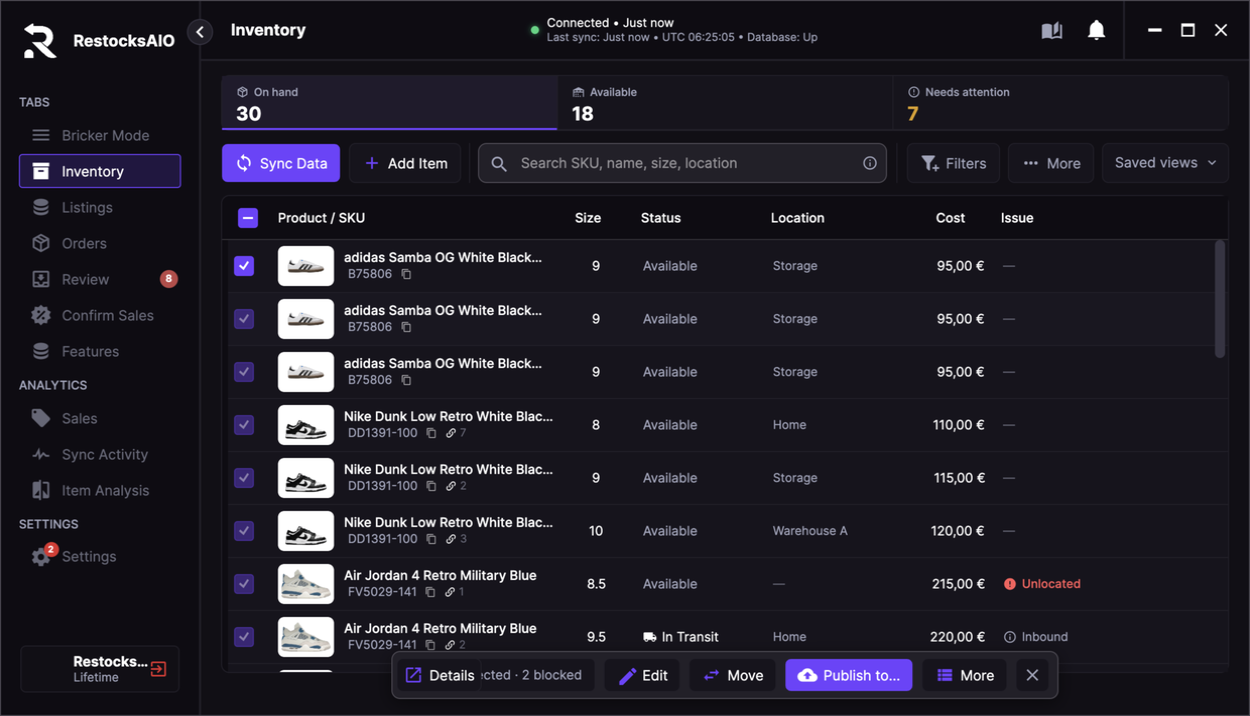
The native Mac app: the same sidebar, Inventory, Listings, Bricker Mode and Settings as on Windows.
Requirements
- macOS 12 (Monterey) or newer.
- Apple Silicon (M1 or newer) or Intel. There is one download for both.
- An active RestocksAIO subscription or trial and its licence key. The Mac app is part of every plan.
Install
- Open the Dashboard and click Download for macOS. This downloads
RestocksAIO-mac.dmg. - Open the DMG. In the window that appears, drag RestocksAIO onto Applications.
- Eject the DMG, then open RestocksAIO from Applications (or Launchpad / Spotlight).
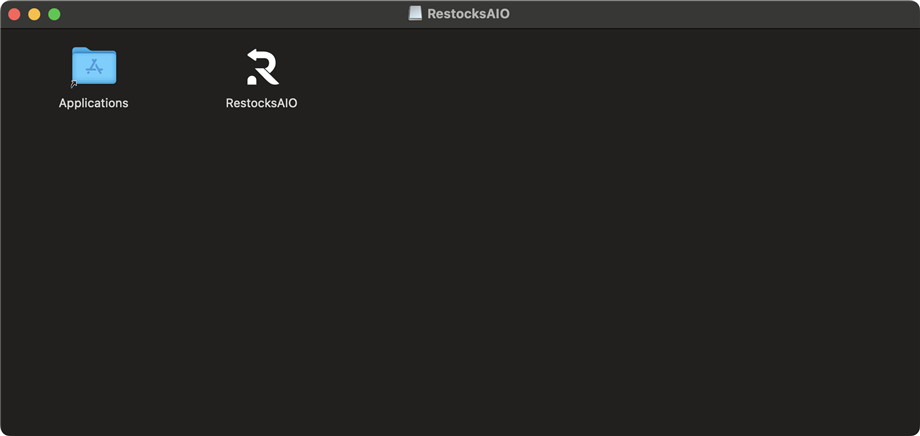
The mounted DMG: drag RestocksAIO onto Applications.
If macOS says the app "is damaged and can't be opened", the download is incomplete. Delete it and download it again from the Dashboard.
Open the app from Applications at least once. macOS registers the restocksaio:// link only for an installed app, and browser logins rely on that link to return to RestocksAIO (for example Connect POIZON, Connect eBay or the StockX Browser login). If the browser asks whether to open RestocksAIO, allow it.
Sign in
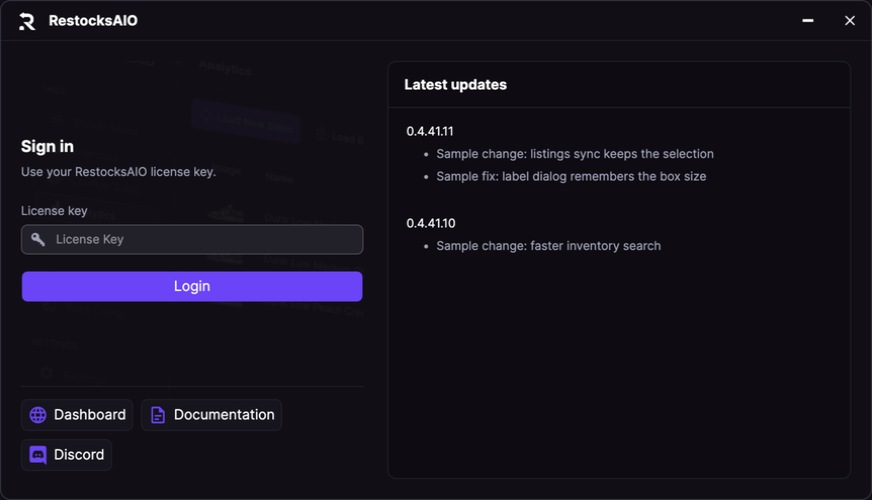
Sign in with your RestocksAIO licence key.
Paste your licence key from the Dashboard and click Login.
Your licence is bound to one computer at a time through its hardware ID (HWID). A Mac has its own HWID, separate from any Windows PC you used before:
- First login on a licence with no HWID: the Mac is registered automatically.
- Moving from Windows to Mac (or back): click Reset HWID in the Dashboard first, then log in on the new computer. Without a reset, the login fails with "HWID does not match license, reset it at the dashboard."
- Same key on two computers: only one session stays connected. When the key connects from a computer with a different HWID, the other instance closes with "Closed this instance because another connected with a new HWID".
Where your data lives
On macOS, RestocksAIO keeps its data in:
~/Library/Application Support/RestocksAIOThis folder holds your encrypted database, saved accounts, tasks, settings, backups and logs. To open it, press ⌘ Shift G in Finder and paste the path. See File Storage Locations for what each file is.
Deleting the app from Applications does not delete this folder. Your data is still there after a reinstall.
Updates
The Mac app updates itself through its own macOS update channel. You never need to download the DMG again to update.
- At startup: the app downloads the new version, replaces the old version and starts again.
- While you work: you see Updating RestocksAIO to (version).... The app saves your data, replaces itself and starts again.
If an update does not complete, the old version stays and you see Update not completed. Wait some minutes and start RestocksAIO again. The update is tried again automatically. If it continues to fail, download the latest version from your dashboard.
Keyboard shortcuts
On the Mac, use ⌘ Cmd wherever the docs say Ctrl. For example, ⌘ A selects all rows, ⌘ C copies, and ⌘ E exports Sales to CSV. See Shortcuts.
Differences from Windows
- There is no .NET runtime to install. The Mac app includes everything it needs.
- Folder buttons (Open Folder, labels and PoD downloads) open Finder instead of Windows Explorer.
- All supported marketplaces, Bricker Mode, labels, invoices, notifications (Discord, Telegram, Webhook API) and the Marketplace Workspace are available on the Mac.
- While the workspace is open, the app keeps the Mac from idle sleep, so your tasks continue. The display can still sleep. A closed lid puts the Mac to sleep and stops the tasks.
- The key or sign-in of your AI provider is stored in the login Keychain.
- Some proof-of-delivery downloads need a browser on the Mac: Microsoft Edge, Google Chrome or Chromium in Applications.
- You cannot open a second copy of the app on the same data folder. macOS shows RestocksAIO is already running with this data folder.
- Import from a RestocksAIO folder… is in the Windows app only.
Move from Windows to a Mac
Your licence and your marketplace accounts work on both systems. The Mac app starts with an empty data folder. It has no import from a Windows folder.
- In the Dashboard, click Reset HWID.
- Install RestocksAIO on the Mac and sign in with the same licence key.
- Open Settings → Accounts and connect each marketplace account again.
- Click Sync Data in Listings to load your live listings.
Keep the Windows folder until your work is complete on the Mac. Do not run automated tasks on both computers at the same time. A licence works on one computer at a time.