 RestocksAIO Docs
Barcode Scanning
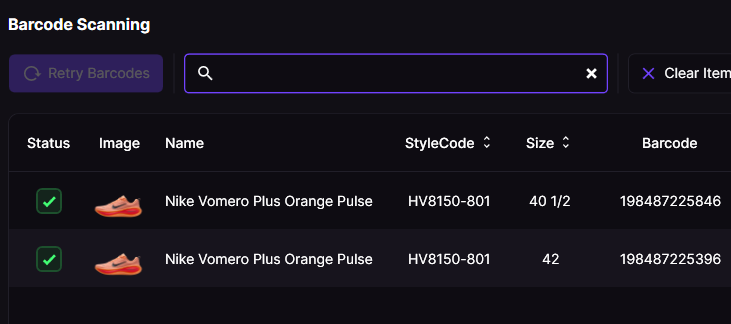
Scan your inventory and upcoming shoes with our Barcode Scanner. Our database contains over 2.3 million barcodes, so there's no product we don't have!
This feature works with a laser barcode scanner and with your phone. See Mobile Barcode Scanner (Scan to Desktop) to scan with your phone camera and send items straight to the desktop.
For a high-level overview of our 2.3M+ barcode database, see the Barcode Scanner feature page on restock.gg.
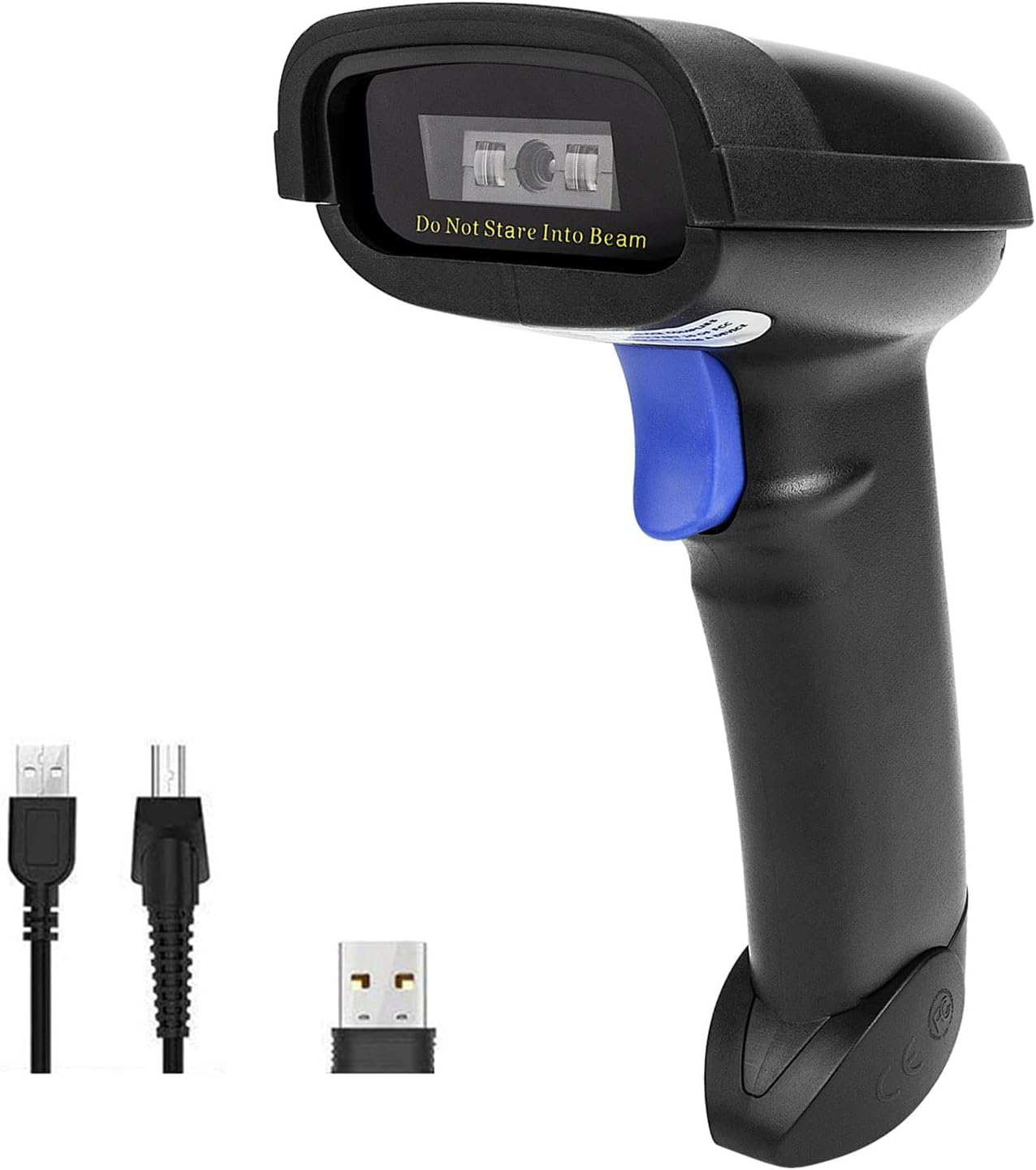
Recommended Barcode Scanner
Any laser barcode scanner works if it connects to your computer by USB or Bluetooth.
Example here.\
Recently scanned items are kept in a barcode buffer and restored across sessions in the Item Addition Window. This buffer is saved together with your Saved Item Sets (Snapshots).